
Business Operations Automation System
An automated system for employee attendance, weekly payroll reporting, and sales and expense reporting.
- Attendance
- Working Hours
- Weekly Payroll
- Employee Attendance
- Payroll
- Sales
- Expenses
- Reporting
- n8n
AI & Business Automation Specialist
I design and build AI-powered business automation systems using n8n, Make.com, and Zapier to reduce manual work, improve response times, and connect the tools businesses already use.

Workflows · AI Agents · Integrations
I'm Daven, an AI & Business Automation Specialist focused on building practical automation systems for businesses. I use platforms including n8n, Make.com, and Zapier alongside AI, APIs, and no-code/low-code tools to turn repetitive processes into efficient automated systems.
I don't just connect tools together. I start with the business problem — where the time goes, where data gets lost, where people repeat themselves — and then design an automation that actually solves it.
Hands-on experience
The platforms and building blocks I use to design, run and maintain automation systems.
n8n
Workflow orchestration
Make.com
Visual workflow automation
Zapier
App-to-app automation
AI Agents
Reasoning and tool use
OpenRouter
LLM access
LLMs
Language processing
RAG / Knowledge Bases
Grounded answers
Google Sheets
Structured business data
Google Forms
Data intake
Gmail
Email workflows
Google Calendar
Availability and scheduling
Telegram
Operational alerts
Facebook Messenger
Customer conversations
JavaScript
Custom workflow logic
Webhooks
Real-time triggers
REST APIs
System integration
OAuth
Secure connections
Docker
Self-hosted systems
Systems I've designed end to end — from the trigger that starts them to the action that finishes the job.
An automated system for employee attendance, weekly payroll reporting, and sales and expense reporting.

An AI-powered resort assistant designed to automatically answer customer questions and repetitive inquiries through Facebook Messenger using resort-specific information.

Automatically captures, qualifies, scores, routes, and follows up with potential customers using AI and workflow automation.
A real-time consultation booking system connected to n8n, Google Calendar, and a Google Sheets booking database.
A practical process that turns an everyday business trigger into a useful, organized outcome.
A website, form, message, or schedule starts the process.
The workflow collects and organizes the information it needs.
AI and business rules decide what should happen next.
Connected tools complete the repetitive actions.
Google Sheets or a CRM keeps the record current.
The team receives a useful outcome, alert, report, or booking.
Completed 4 official n8n learning courses covering workflow automation, APIs, integrations, AI, testing, and automation best practices.
I completed four official n8n learning courses covering the fundamentals of workflow automation, API integrations, connected workflows, AI automation, testing, and best practices. These courses helped me develop a practical foundation for designing and building reliable automation workflows.
Business-focused systems designed around the result you need, not a particular tool.
01
Automate repetitive customer questions, connect AI assistants to business knowledge, and integrate messaging channels for faster, more consistent support.
02
Capture and qualify leads, organize them in a CRM, and maintain consistent follow-up without manual tracking.
03
Connect attendance, payroll, reporting, sales, and expense records so operational information stays organized.
04
Connect existing business tools and replace repetitive manual processes with practical, maintainable workflows.
05
Combine real-time availability, calendar scheduling, a booking database, and confirmation workflows to reduce scheduling back-and-forth.
Practical automation gives teams more time for the work that needs human judgment and attention.
01
Routine data entry and handoffs can run automatically in the background.
02
Customers and leads receive timely action without waiting for repeated manual checks.
03
Teams spend less time copying, sorting, calculating, and sending the same information.
04
Connected records and reports make important activity easier to see and manage.
What typically changes once a repetitive process is redesigned as a workflow.
Before
After
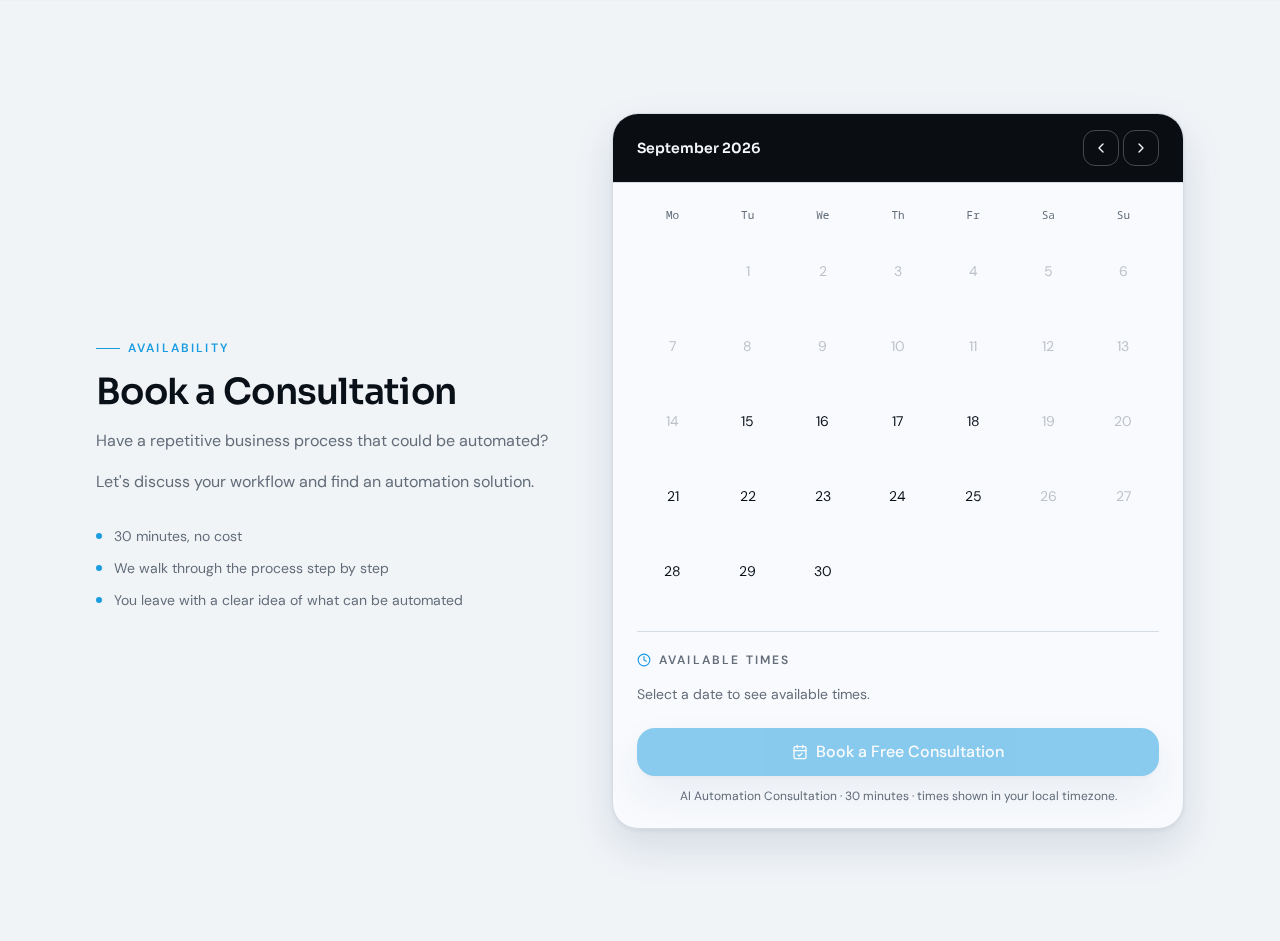
Have a repetitive business process that could be automated?
Let's discuss your workflow and find an automation solution.
September 2026
Available times
Select a date to see available times.
AI Automation Consultation · 30 minutes · times shown in your local timezone.
Free automation assessment
Tell us about your business and what you'd like to automate.
If you have a repetitive process, a messy workflow, or a business task that takes too much time, let's turn it into an automated system.